
DPI Analyzer - Free Online DPI Checker
Measure and verify your optical mouse sensor’s actual DPI (CPI) across calibrated physical distances. Benchmark tracking deviation, test live movement accuracy,
Run History & Multi-Run Benchmarking
Detailed log of individual physical distance measurements and sensor counts| Run # | Timestamp | Target Distance | Expected DPI | Pixels Moved | Measured DPI | DPI Accuracy | Deviation | Duration | Actions |
|---|---|---|---|---|---|---|---|---|---|
|
No completed DPI test runs yet Start a run, then slide your pointer the target distance and save the measurement.
|
|||||||||
Display PPI Calibration
Calibrate your screen to ensure the interactive ruler matches true 1:1 physical dimensions
Method 1: Standard Card Calibration (Fastest)
Place any standard ID card or credit card (standard ISO 7810: 85.60 mm × 53.98 mm / 3.370 × 2.125 inches) directly against your physical screen, then adjust the slider below until the blue card preview matches the exact size of your card.
DPI ANALYZER
What Is DPI Analyzr
Know Your Actual DPI
DPI Analyzr helps you check mouse movement and estimate whether your actual DPI matches the setting you expect from your mouse.
Mouse Movement
Track movement during the test.
DPI Measurement
Compare movement against your expected DPI.
Setup Accuracy
Fine-tune your sensitivity settings.
SIMPLE PROCESS
How It Works
Run a Mouse DPI Test in three quick steps.
Set Your Mouse
Choose your current DPI and prepare your mouse.
Move And Test
Follow the on-screen movement instructions.
Check The Result
Compare the measured result with your mouse setting.
CAPABILITIES
Key Features
Everything you need for a quick DPI Measurement.
DPI Measurement
Check mouse DPI with a simple browser-based test.
Mouse Tracking
Analyze mouse movement during testing.
Sensitivity Check
Keep your mouse sensitivity settings consistent.
Accuracy Focus
Spot differences between expected and measured DPI.
Quick Results
Keep the testing process fast and easy to follow.
Browser Based
Run the experience directly from a modern browser.
PRACTICAL BENEFITS
Why Use DPI Analyzr
Consistent Aim
Keep mouse sensitivity predictable across sessions.
Better Setup Checks
Verify your mouse setting instead of relying only on software values.
Quick Calibration
Run a test before adjusting your gaming sensitivity.
Easy Access
Use the tool from a browser without installing software.
USE CASES
Built For Your Setup
Gaming
Check mouse DPI before tuning game sensitivity.
Esports
Maintain repeatable settings for competitive play.
FPS
Keep sensitivity aligned with your intended DPI.
PC Setup
Verify your mouse configuration during setup.
COMPATIBILITY
Works In Your Browser
Use DPI Analyzr from a modern desktop browser without installing additional software.
Designed for modern desktop browsers.
REVIEWS
User Feedback
Quick to use and helpful for checking whether my mouse settings were close to what I expected.
I like that I can run a test without installing another desktop utility.
Useful for checking DPI before adjusting my sensitivity settings.
GUIDES
Mouse & DPI Guides
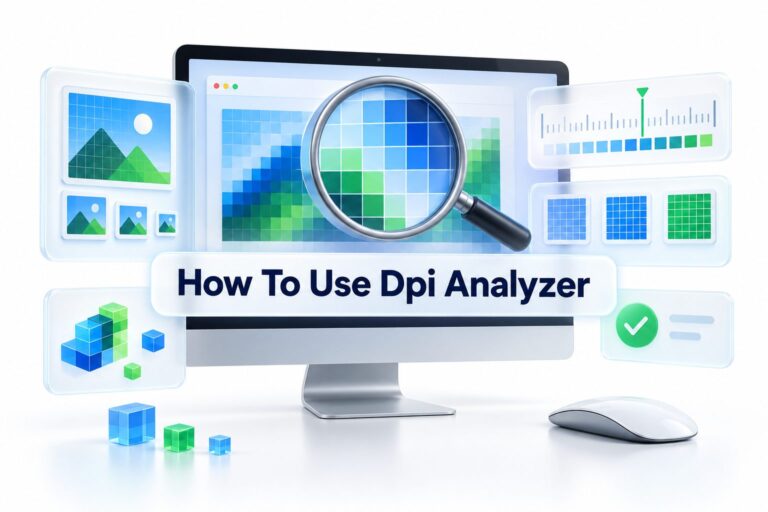
How to Use a DPI Analyzer: Test Your Mouse DPI Accurately
A DPI analyzer is a practical tool for checking the resolution of images before you publish, print, upload,...
Read More →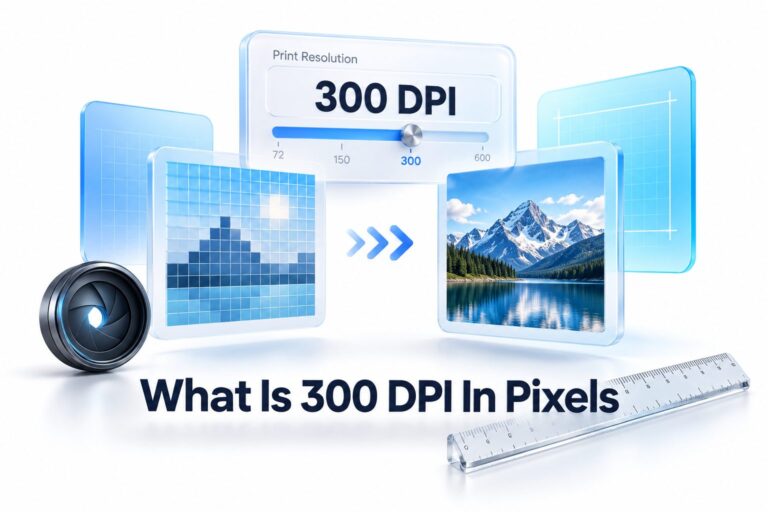
What Is 300 DPI in Pixels? Pixel Conversion Guide
A sharp printed photo, brochure, or poster begins with the right relationship between image resolution and physical size....
Read More →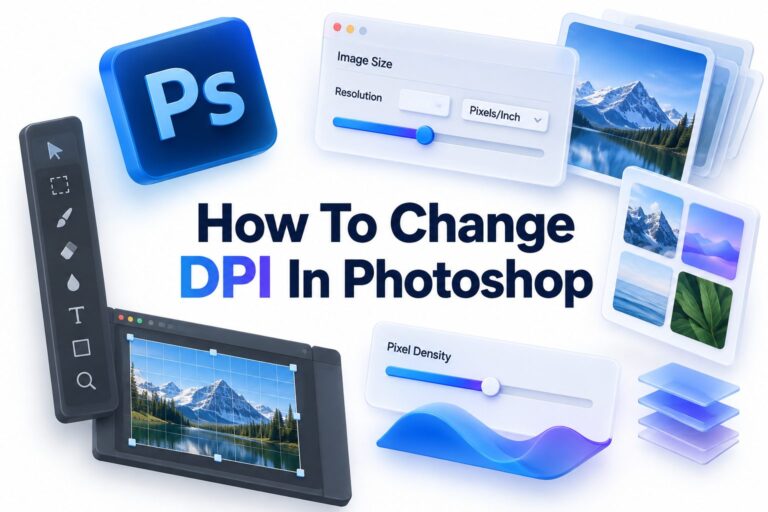
How to Change DPI in Photoshop: A Step-by-Step Guide
A file can look perfectly crisp on your screen yet produce a disappointing print with soft edges or...
Read More →HELP CENTER
Frequently Asked Questions
DPI means dots per inch. It describes how far your cursor moves when you move your gaming mouse. A higher DPI moves the cursor further with the same hand movement.
Enter your expected DPI, move your mouse as instructed, then compare the measured Mouse DPI result with your mouse setting. The full Mouse DPI Test takes less than a minute.
No. DPI Analyzr is a browser-based DPI Analyzer. You can check mouse DPI directly from a modern desktop browser with no download.
Yes. Many gamers use it as a Mouse Sensitivity Test before tuning FPS or esports settings, so their Gaming Mouse DPI stays consistent.
Yes, the Mouse DPI Tester is free to use. You can run a DPI Measurement without a paid plan or signup.
Sensor variance, surface tracking, OS pointer settings, and driver scaling can all shift results. That is why a Mouse Tracking Test is useful for verifying real movement.
Yes. DPI changes the base cursor speed, while in-game sensitivity multiplies it. Keeping DPI stable makes your aim and daily pointer control more predictable.
DPI Analyzr is designed for modern desktop browsers such as Chrome, Edge, and Firefox on Windows and macOS.
Yes. Switch your mouse profile to 400, 800, 1600 DPI or another value, then run the test again to compare each result separately.
Most wired and wireless mice work because testing happens through standard browser pointer input. No special driver is needed.
FREE MOUSE DPI TESTER
Check Your DPI Today
Run a quick mouse test and get a clearer picture of your current DPI.
No Signup. No Download.